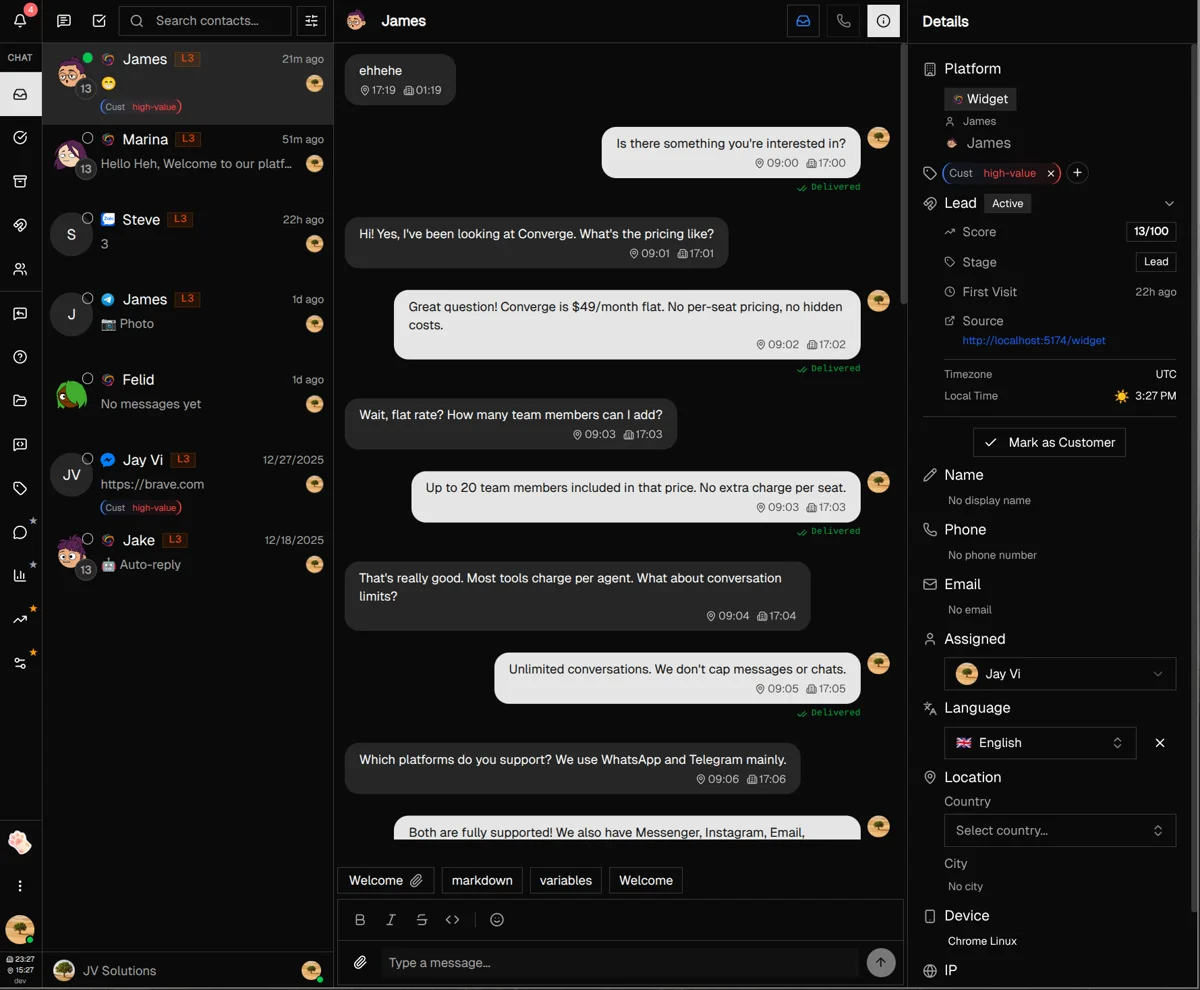
Inbox
All usersMaster your unified inbox for managing all customer conversations in one place
Read now
Everything you need to master Converge. Each guide takes about 10 minutes and walks you through the essentials.
 Converge Team
Master your unified inbox for managing all customer conversations in one place
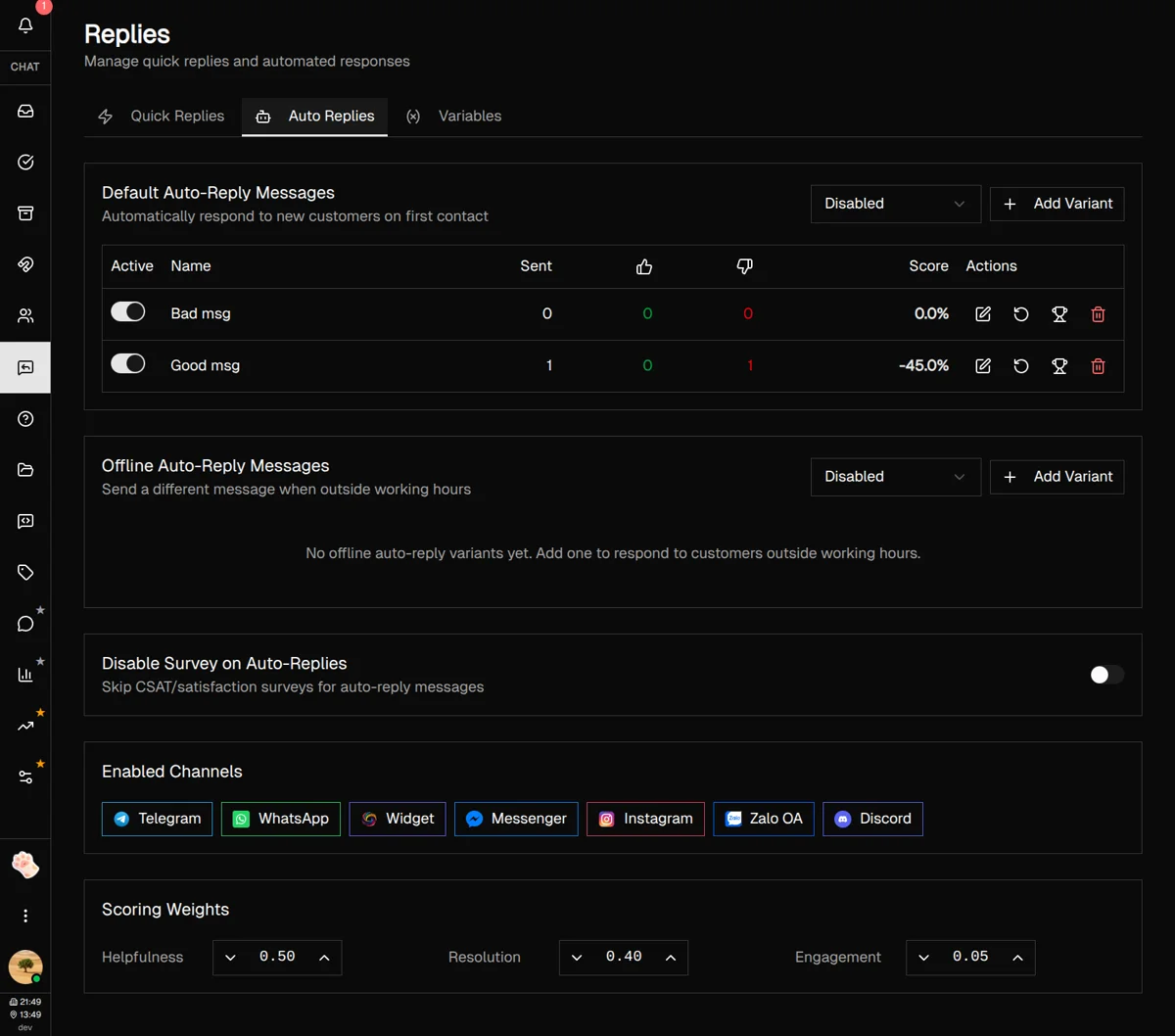
Save time with quick replies, auto-responses, and dynamic message variables

Capture, score, and convert website visitors into customers automatically
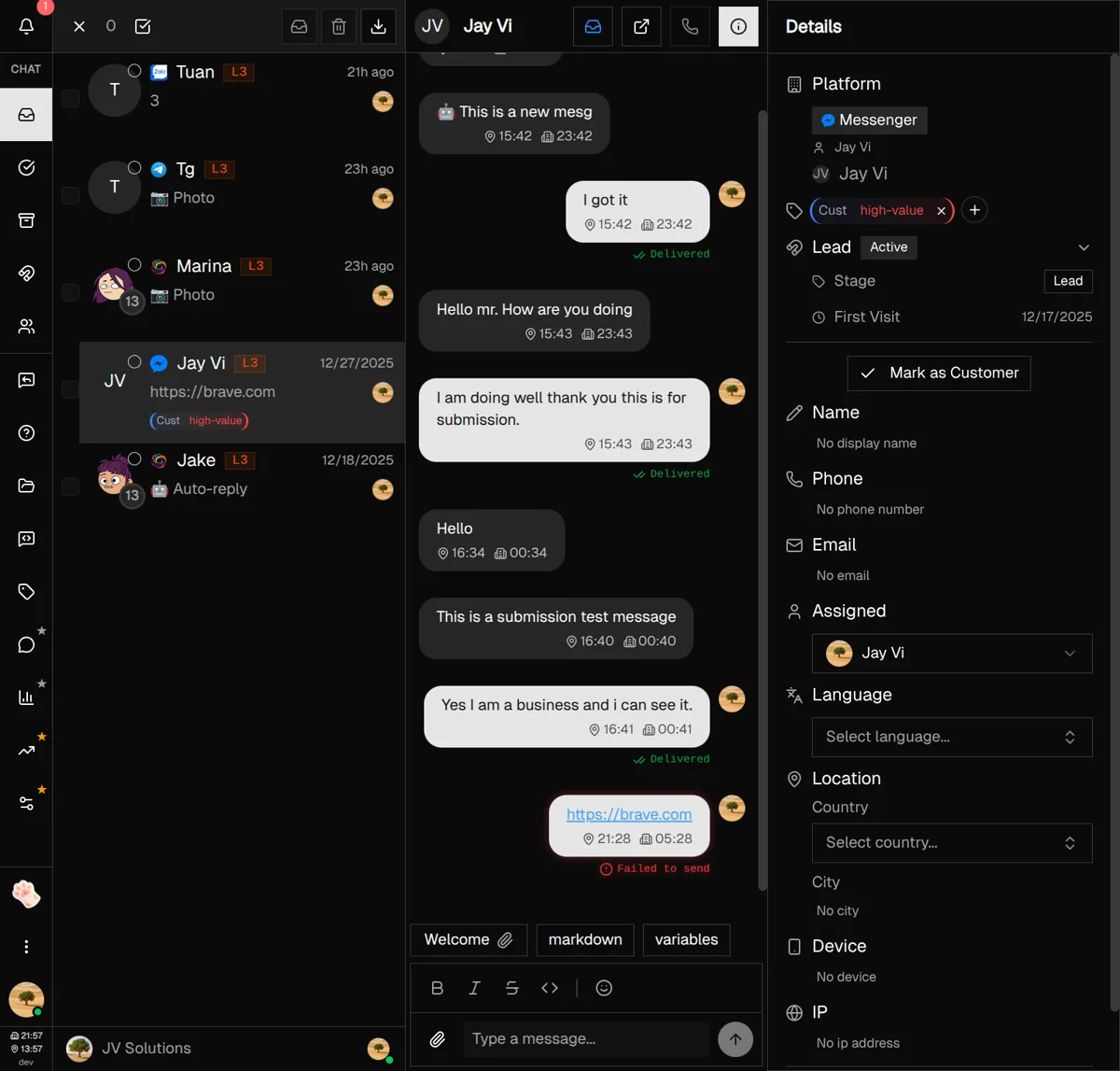
Organize customers with labels and groups for better workflow management

Collaborate with your team in real-time without leaving the platform
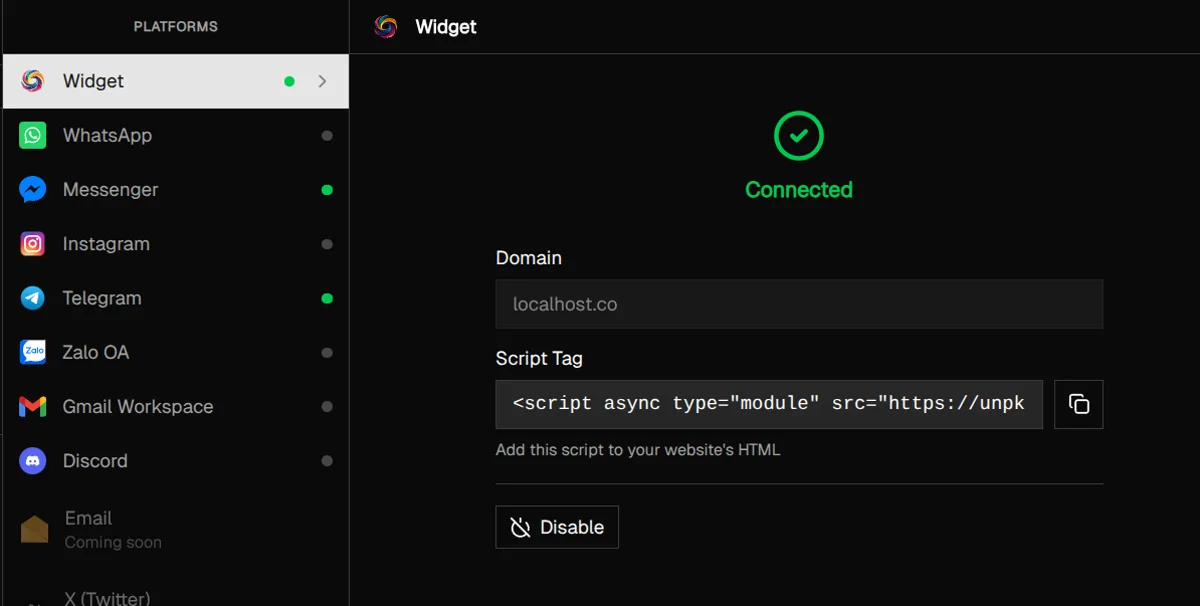
Install and customize your website chat widget for visitor engagement
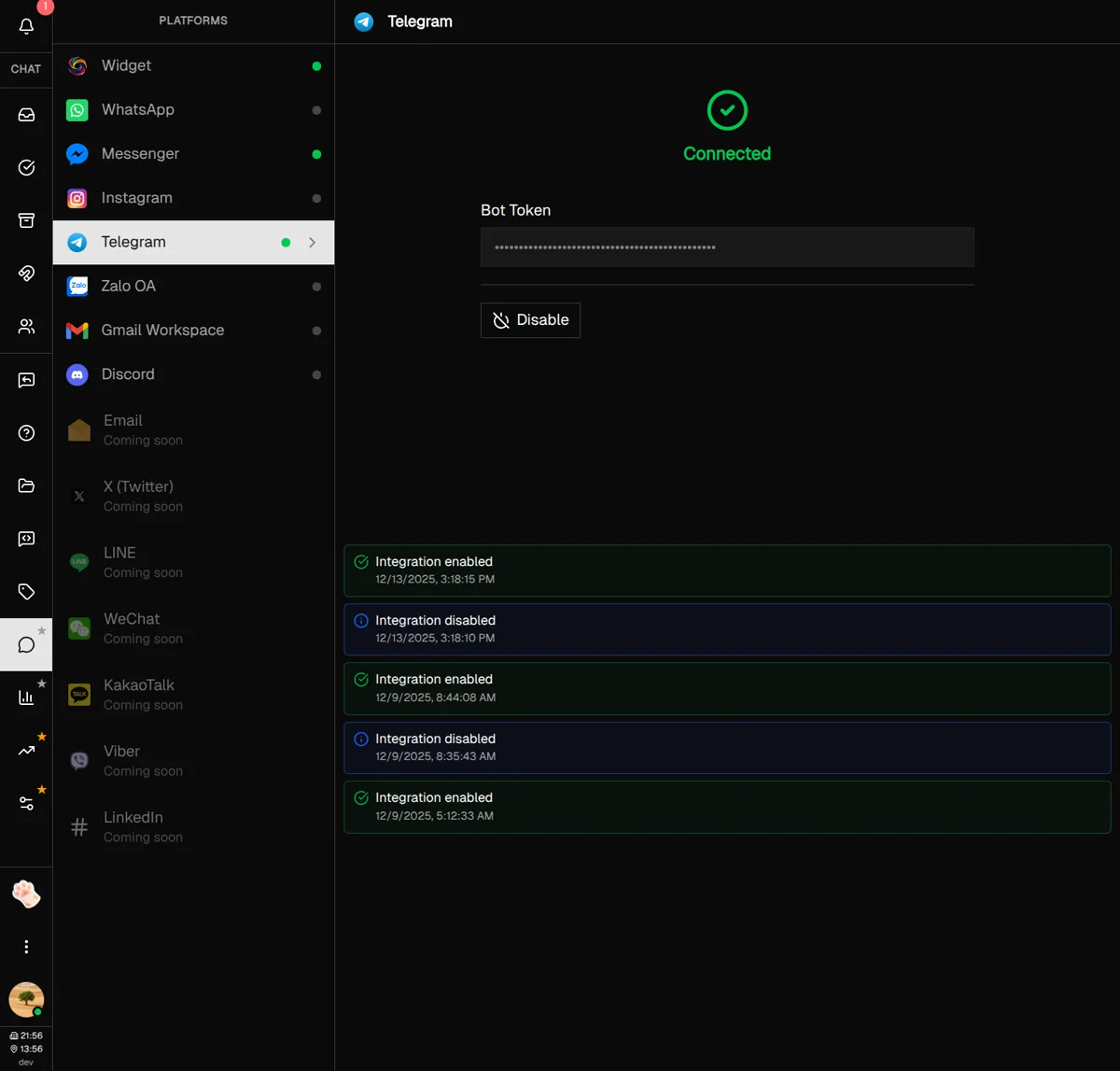
Connect WhatsApp, Telegram, Instagram, and other messaging channels
Show live Shopify browsing and cart context in the agent sidebar
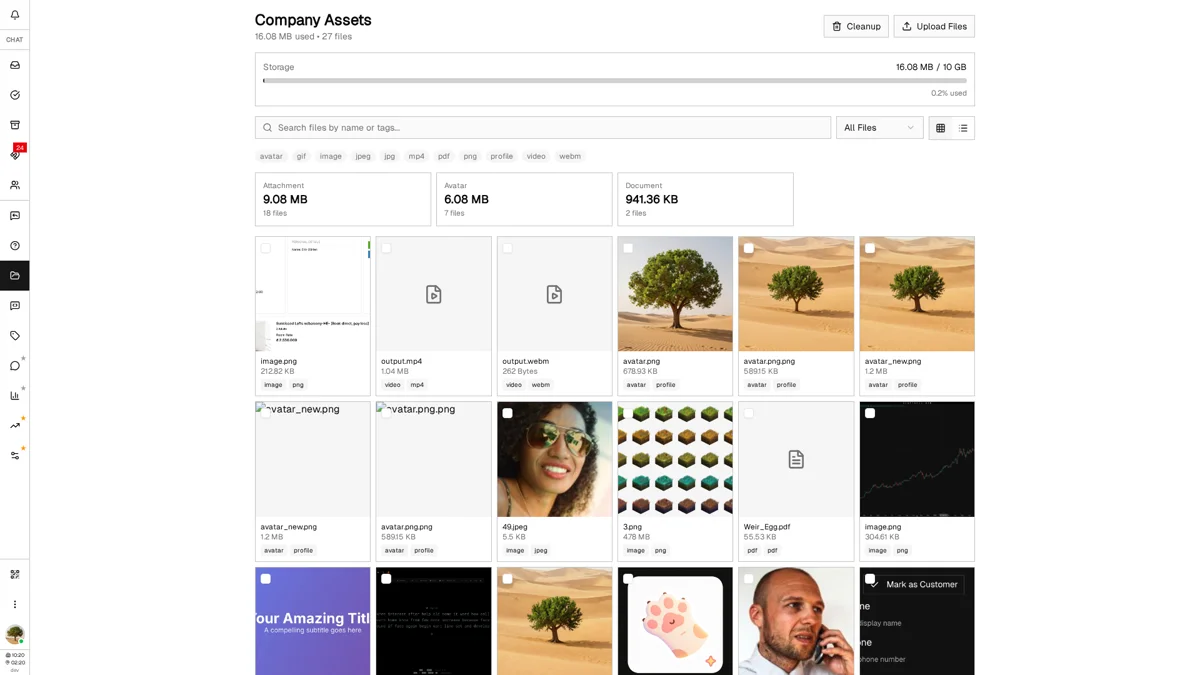
Manage your file library with storage monitoring and smart organization

Build a knowledge base that helps customers find answers instantly
Track visitor behavior with privacy-respecting analytics and custom events
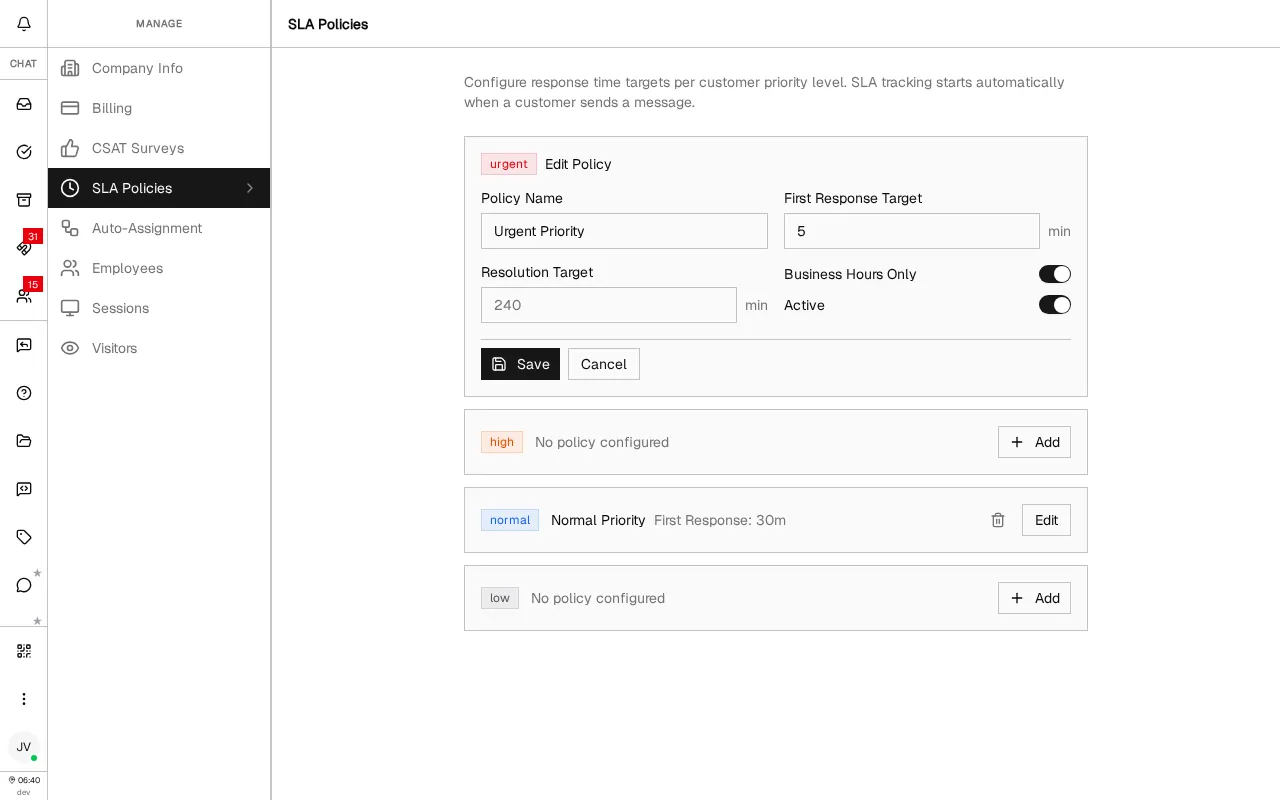
Define response and resolution targets per priority level with automatic tracking and breach alerts
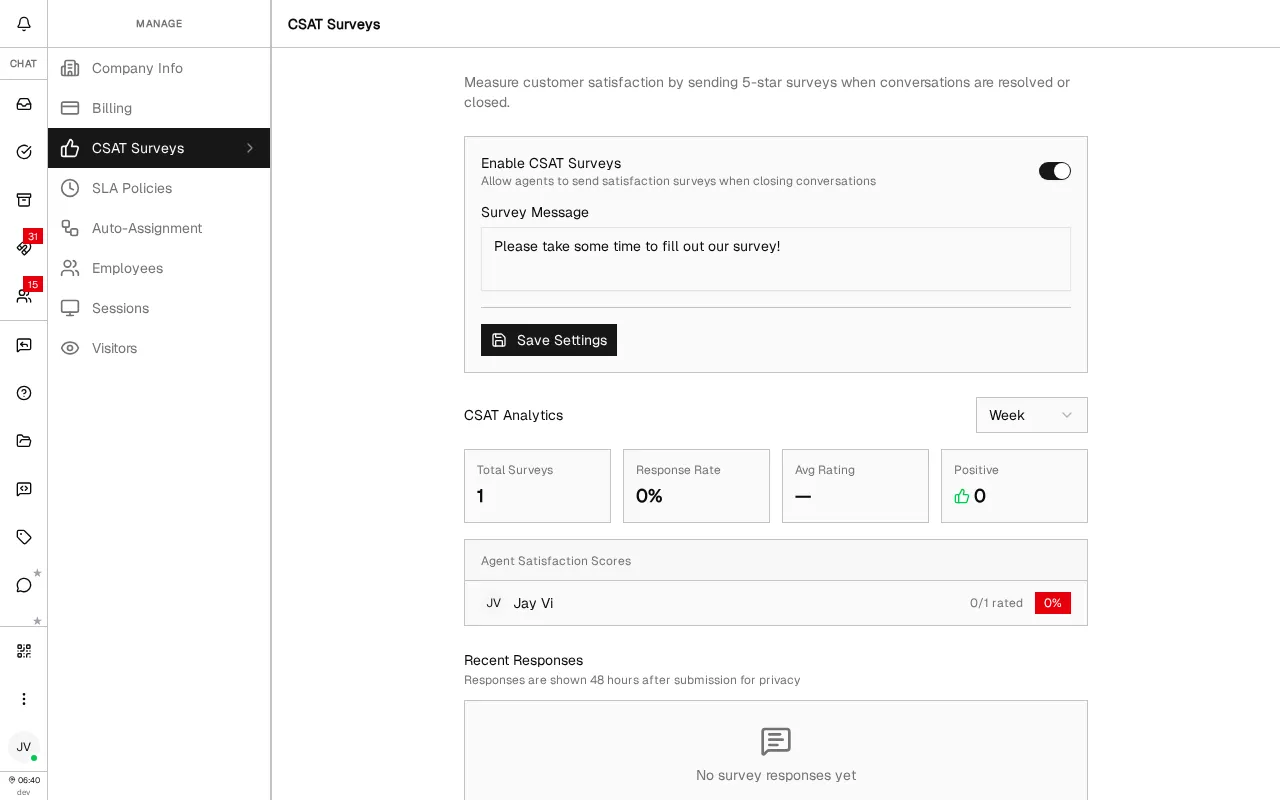
Measure customer satisfaction with agent-triggered 5-star surveys and per-agent analytics
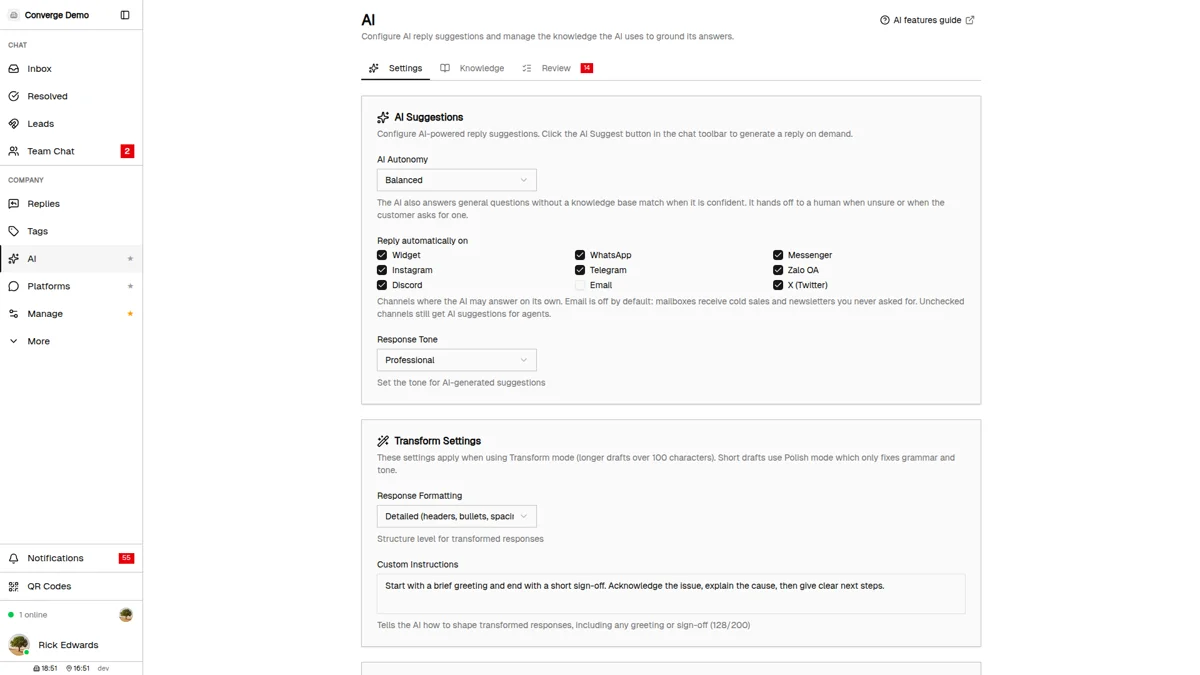
Let the AI answer customers on its own, ground it in your knowledge base, and draft or polish replies on demand
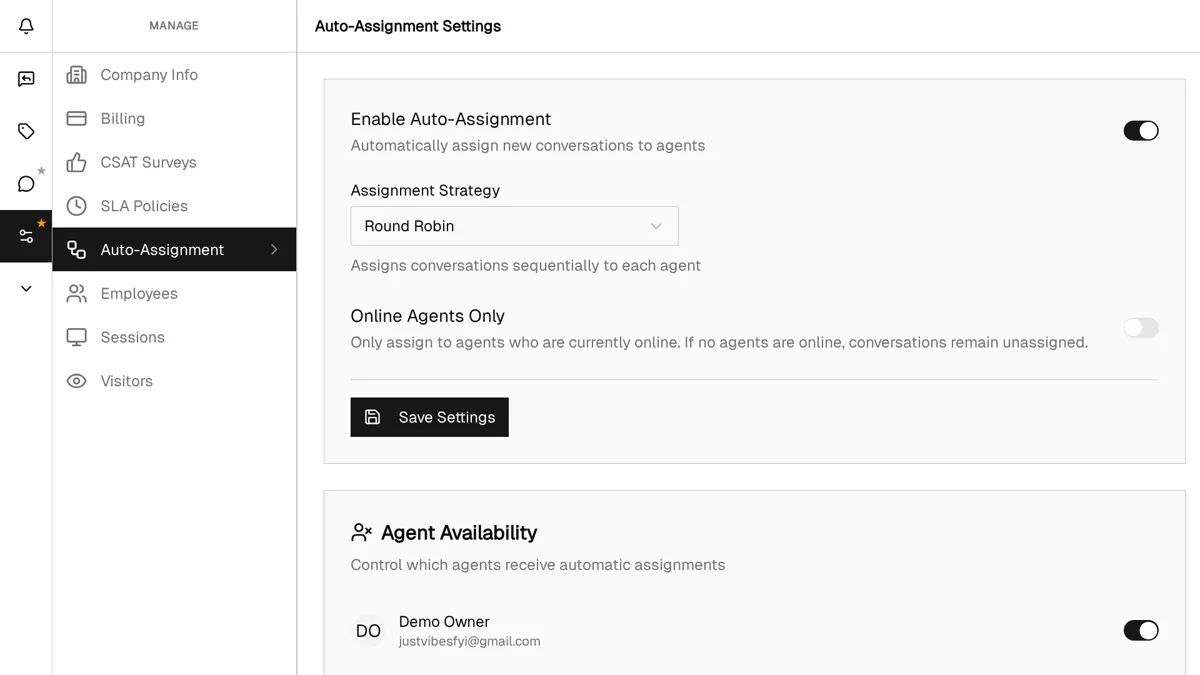
Assign incoming conversations to agents automatically with round robin or load balanced strategies
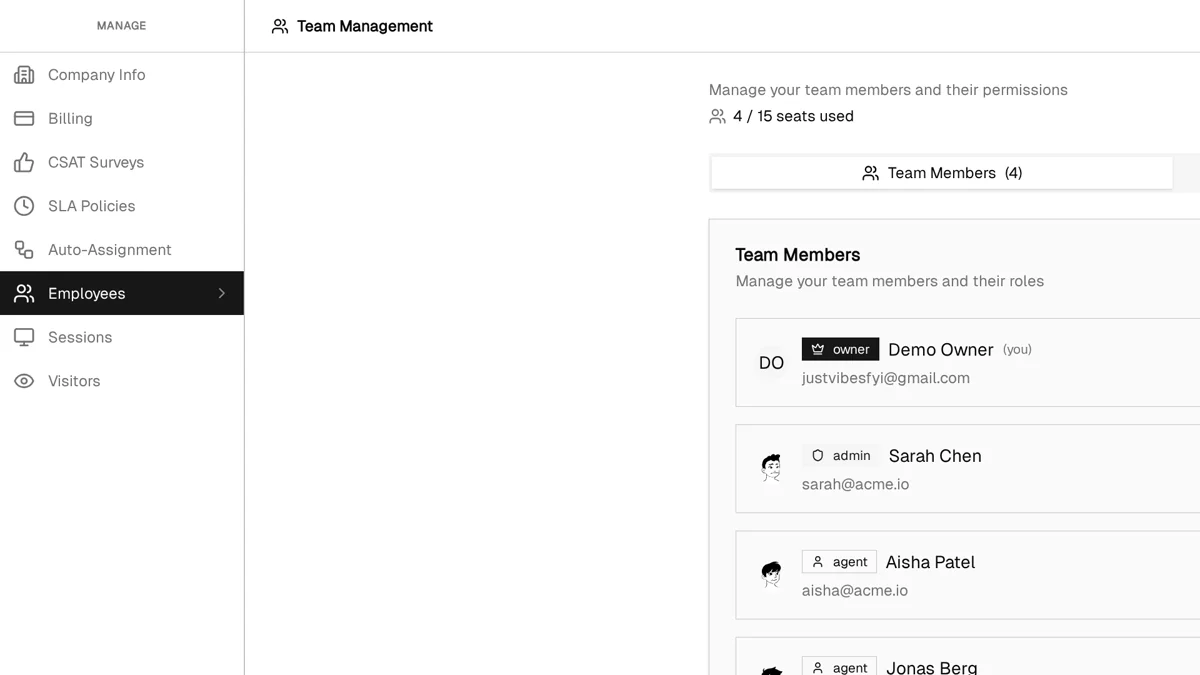
Configure working hours, manage visitors, ban abusive users, and administer your team
Visit the Help Center for step-by-step instructions on specific tasks like connecting platforms, setting up features, and troubleshooting issues.
Browse Help Center